PDF Viewer
Verify compliance against original source documents.
Opening a PDF
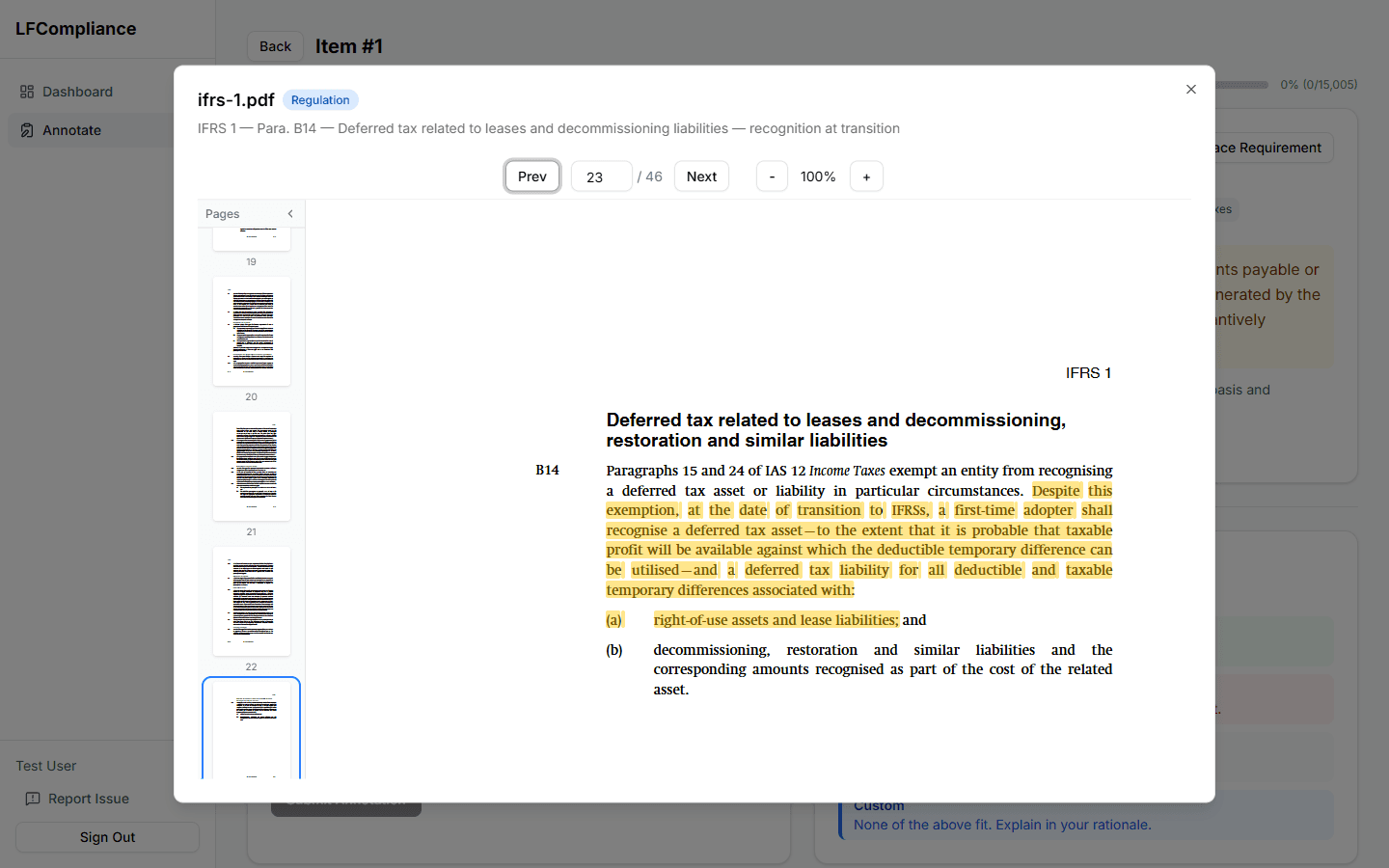
Click any "Trace to PDF" button from the annotation page. The PDF viewer opens in a dialog overlay, automatically navigating to the relevant page.
Page navigation
Use the Previous and Next buttons or type a page number directly into the page input field to jump to a specific page.
Zoom controls
Use the + and − buttons to zoom in and out. The viewer remembers your zoom level while the dialog is open.
Close and return
Close the PDF viewer dialog to return to the annotation page. Your place is preserved, so there's no need to re-navigate.
legalfinance.aghoghomena.com
Page navigation
Zoom
Thumbnails